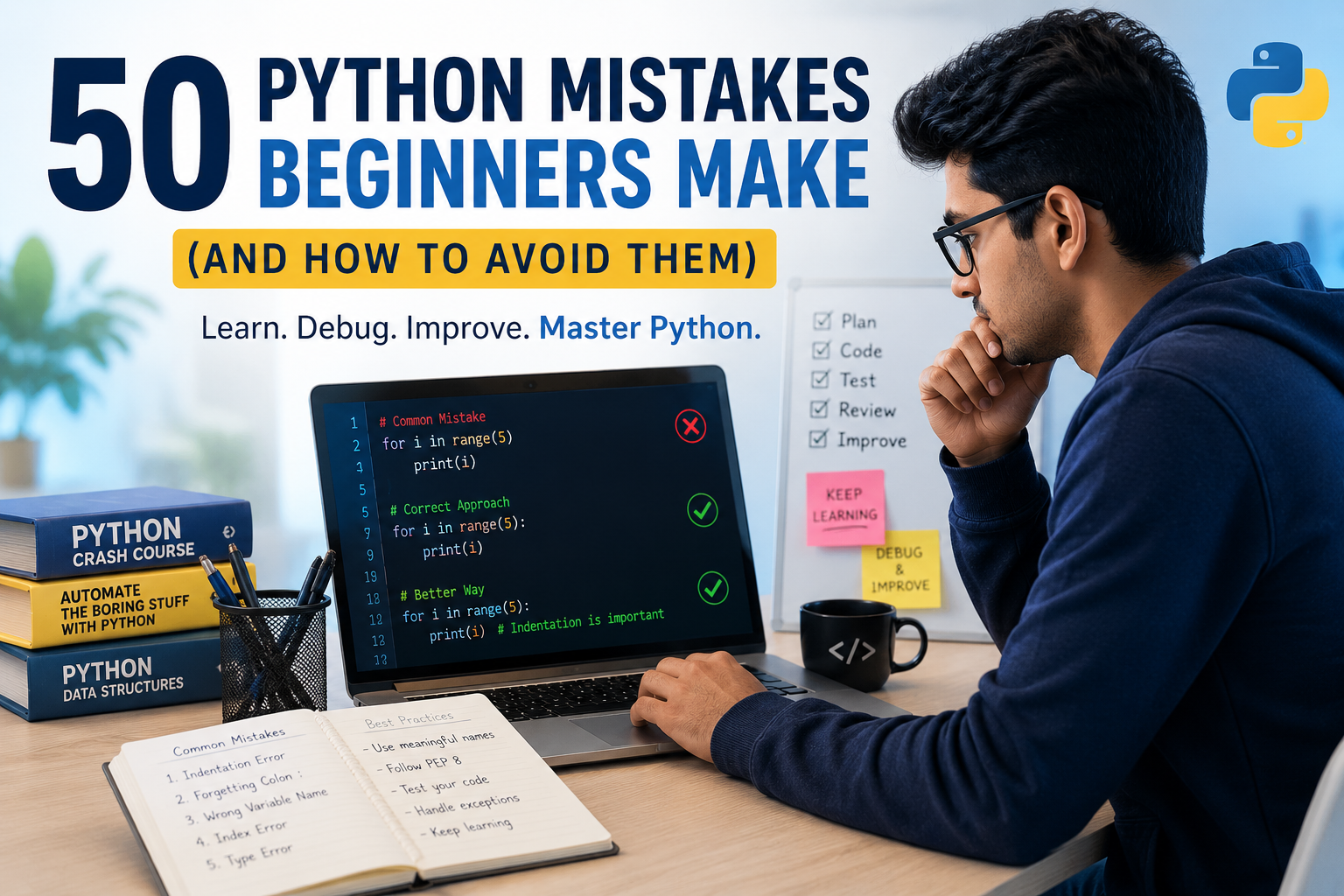
50 Python Mistakes Beginners Make
1. Forgetting Indentation
Mistake
if age > 18:
print("Adult")
Correct
if age > 18:
    print("Adult")
2. Using “=” Instead of ==
Wrong
if age = 18:Correct
if age == 18:3. Not Understanding Variable Scope
Global variables create confusion.
Use local variables whenever possible.
4. Choosing Poor Variable Names
Wrong
x=5Better
student_age=55. Ignoring Comments
Document your code.
# Calculate total marks6. Writing Everything in One File
Break your code into modules.
7. Forgetting to Close Files
Wrong
f=open("data.txt")Better
with open("data.txt") as f:8. Using Mutable Default Arguments
Wrong
def add(item,list=[]):Correct
def add(item,list=None):9. Not Handling Exceptions
Wrong
num=int(input())Better
try:
    num=int(input())
except ValueError:
    print("Invalid")
10. Ignoring PEP 8
Follow Python coding standards.
11. Writing Long Functions
Keep functions under 30–40 lines whenever practical.
12. Using Magic Numbers
Instead of
price*0.18Use
GST=0.1813. Forgetting Return Statements
14. Using print() for Debugging Forever
Learn
- logging
- debugger
- breakpoints
15. Comparing Strings Incorrectly
Use
.lower()16. Not Using enumerate()
Instead of manual counters.
17. Not Using zip()
18. Confusing Lists and Tuples
19. Overusing Global Variables
20. Ignoring Virtual Environments
Use
python -m venv venv21. Installing Packages Globally
22. Forgetting Requirements.txt
pip freeze > requirements.txt23. Naming Files “python.py”
24. Shadowing Built-in Functions
Wrong
list=[1,2]25. Infinite Loops
Always verify loop conditions.
Learn from the Most Common Python Mistakes Beginners Make and Write Better Code.
26. Modifying a List During Iteration
27. Using == with None
Wrong
if x==NoneCorrect
if x is None28. Forgetting Type Conversion
Master Python the Right Way with Jaipur Engineers.
Avoid common beginner mistakes through expert-led training, hands-on projects, and personalized mentorship. Build strong coding skills and gain the confidence to write clean, professional Python code.
Visit Jaipur Engineers today and contact us to start your Python learning journey!
TALK TO OUR TEAM NOW
29. Assuming Input is Integer
input()always returns string.
30. Using Too Many Nested Loops
31. Copying Lists Incorrectly
Wrong
a=bBetter
a=b.copy()32. Ignoring List Comprehensions
33. Forgetting f-Strings
Instead of
"Hello "+nameUse
f"Hello {name}"34. Ignoring Docstrings
35. Catching Every Exception
Don’t write
except:36. Hardcoding File Paths
37. Poor Folder Organization
38. Ignoring Object-Oriented Programming
39. Using while Instead of for
40. Writing Duplicate Code
Create functions.
41. Not Testing Code
42. Ignoring Unit Testing
43. Using Tabs and Spaces Together
44. Forgetting name == “main“
45. Ignoring Performance
Learn
- set
- dictionary
- generator
46. Using Lists Instead of Sets
47. Not Learning Standard Library
Modules like
- os
- math
- pathlib
- random
- datetime
48. Not Reading Error Messages
Python errors are helpful.
49. Copy-Pasting Code Without Understanding
Always understand the logic before using code.
50. Giving Up Too Quickly
Every Python developer—even professionals—spends time debugging. Persistence is one of the most important programming skills.
Conclusion
Learning Python is an exciting journey, and making mistakes is a natural part of becoming a skilled programmer. Every successful Python developer, whether they work in web development, data science, artificial intelligence, automation, cybersecurity, or software engineering, has encountered the same challenges that beginners face today. The difference is that experienced developers learn from their mistakes, improve their coding habits, and continue practicing until writing clean, efficient code becomes second nature.
The Python mistakes beginners make are not roadblocks—they are valuable learning opportunities. Understanding concepts such as proper indentation, variable scope, exception handling, loops, functions, object-oriented programming, and Python’s built-in libraries will help you write more reliable, readable, and maintainable programs. Developing good coding practices early also makes it easier to work on larger projects, collaborate with other developers, and prepare for technical interviews or professional software development roles.
As you continue learning Python, focus on building real-world projects rather than simply memorizing syntax. Create small applications, automate everyday tasks, solve coding challenges, and experiment with different libraries and frameworks. Every project you complete will strengthen your problem-solving skills and increase your confidence as a programmer. When you encounter errors, don’t be discouraged. Read the error messages carefully, understand why they occur, and use them as an opportunity to deepen your knowledge.
Remember that programming is a continuous learning process. Python continues to evolve with new features, libraries, and best practices, so staying curious and committed to learning is essential. Read official documentation, explore open-source projects, practice consistently, and seek feedback from experienced developers whenever possible.
By avoiding these 50 Python mistakes beginners make, you’ll develop stronger coding habits, improve your debugging skills, and write cleaner, more professional Python code. Whether your goal is to become a software developer, data scientist, AI engineer, automation specialist, or freelance programmer, mastering these fundamentals will give you a solid foundation for long-term success.
Start applying these best practices today, keep coding every day, and remember that every mistake you fix brings you one step closer to becoming a confident and successful Python developer.
Master Python the Right Way with Jaipur Engineers.
Avoid common beginner mistakes through expert-led training, hands-on projects, and personalized mentorship. Build strong coding skills and gain the confidence to write clean, professional Python code.
Visit Jaipur Engineers today and contact us to start your Python learning journey!
TALK TO OUR TEAM NOW