Power BI Course in Jaipur – Learn Data Analytics with Real Projects
Introduction
If you are looking for the best Power BI course in Jaipur, this complete training program is designed to help you become a job-ready data analyst. This course covers everything from beginner to advanced level, including data visualization, DAX, data modeling, dashboards, and real-world projects. Power BI, developed by Microsoft, is one of the most in-demand tools in data analytics and business intelligence.
Why Choose This Power BI Course
This course is designed based on real industry requirements and focuses on practical learning. Instead of just theory, you will build real dashboards and projects that help you gain hands-on experience.
Key Highlights
Industry-focused curriculum
Real-world projects (Sales, HR, Finance dashboards)
Hands-on training with live examples
Interview preparation and career guidance
Beginner to advanced structured learning
What You Will Learn in This Course
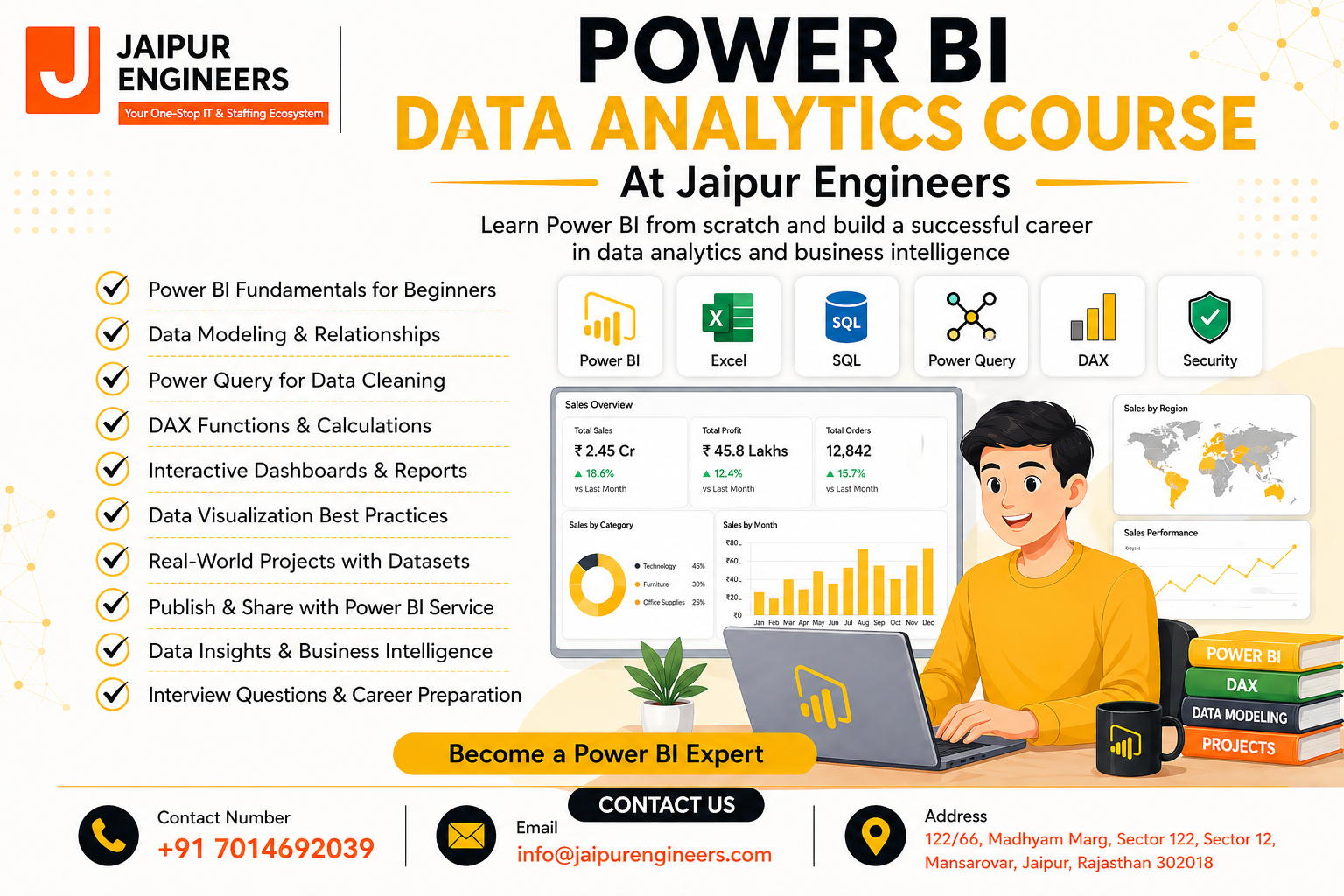
This Power BI training program covers all essential concepts required to become a professional data analyst.
Core Topics Covered
Data import and transformation
Power Query Editor
Data modeling and relationships
DAX (Data Analysis Expressions)
Time intelligence functions
Charts and data visualization
Interactive dashboards
Power BI Service (Publishing and sharing)
Power BI Course Curriculum
Module 1: Introduction to Power BI
Introduction to Power BI for beginners
Power BI vs Excel vs Tableau
Installation of Power BI Desktop
Module 2: Data Loading and Transformation
Import data in Power BI
Power Query Editor
Data cleaning and transformation
Module 3: Data Modeling
Relationships in Power BI
Star schema and snowflake schema
Best practices for data modeling
Module 4: DAX (Data Analysis Expressions)
Introduction to DAX
Calculated columns and measures
Time intelligence functions
Module 5: Data Visualization
Charts and graphs in Power BI
Interactive dashboards
Custom visuals
Module 6: Power BI Service
Publish reports
Share dashboards
Workspace and collaboration
Module 7: Real-World Projects
Sales dashboard project
HR analytics dashboard
Finance dashboard
Module 8: Interview Preparation
Power BI interview questions
Scenario-based questions
Resume and portfolio building
Module 9: Career Guidance
Power BI certification (PL-300)
Career path in data analytics
Salary and job opportunities
Who Should Join This Course
Students and freshers
Working professionals
Business analysts
Entrepreneurs
Anyone interested in data analytics
Career Opportunities After Power BI Course
After completing this course, you can apply for roles such as:
Data Analyst
Business Intelligence Analyst
Power BI Developer
Reporting Analyst
Power BI professionals are in high demand across industries including IT, finance, healthcare, and e-commerce.
Power BI Course Benefits
Gain practical experience with real projects
Build a strong portfolio
Improve job opportunities
Learn industry-relevant skills
Get career guidance and interview preparation
Why Power BI is in Demand
Power BI is widely used by companies for data visualization and reporting. It helps businesses make faster and smarter decisions. Due to the growing importance of data analytics, the demand for Power BI professionals is increasing rapidly in Jaipur and across India.
FAQs
What is Power BI used for
Power BI is used for data visualization, reporting, and business intelligence.
Is Power BI easy to learn
Yes, Power BI is beginner-friendly and easy to learn with practice.
Can I get a job after this course
Yes, with proper practice and projects, you can apply for data analyst roles.
What is the duration of this course
The duration depends on your learning pace, but it can typically be completed in 2–3 months.
Do I need coding for Power BI
No, basic Power BI does not require coding, but DAX helps in advanced analysis.
Call to Action
Start your journey in data analytics today and become a job-ready professional.
Instructor

Popular Courses