Operating System Course (Learn OS Step by Step)
Introduction
Operating System (OS) is one of the most important subjects in computer science that acts as a bridge between hardware and software. This complete operating system course is designed to help beginners and advanced learners understand OS concepts from basics to advanced level with real-world examples and interview preparation.
This course is highly relevant for systems running on platforms like Linux and Microsoft Windows, making it essential for students, developers, and IT professionals.
What You Will Learn in This Operating System Course
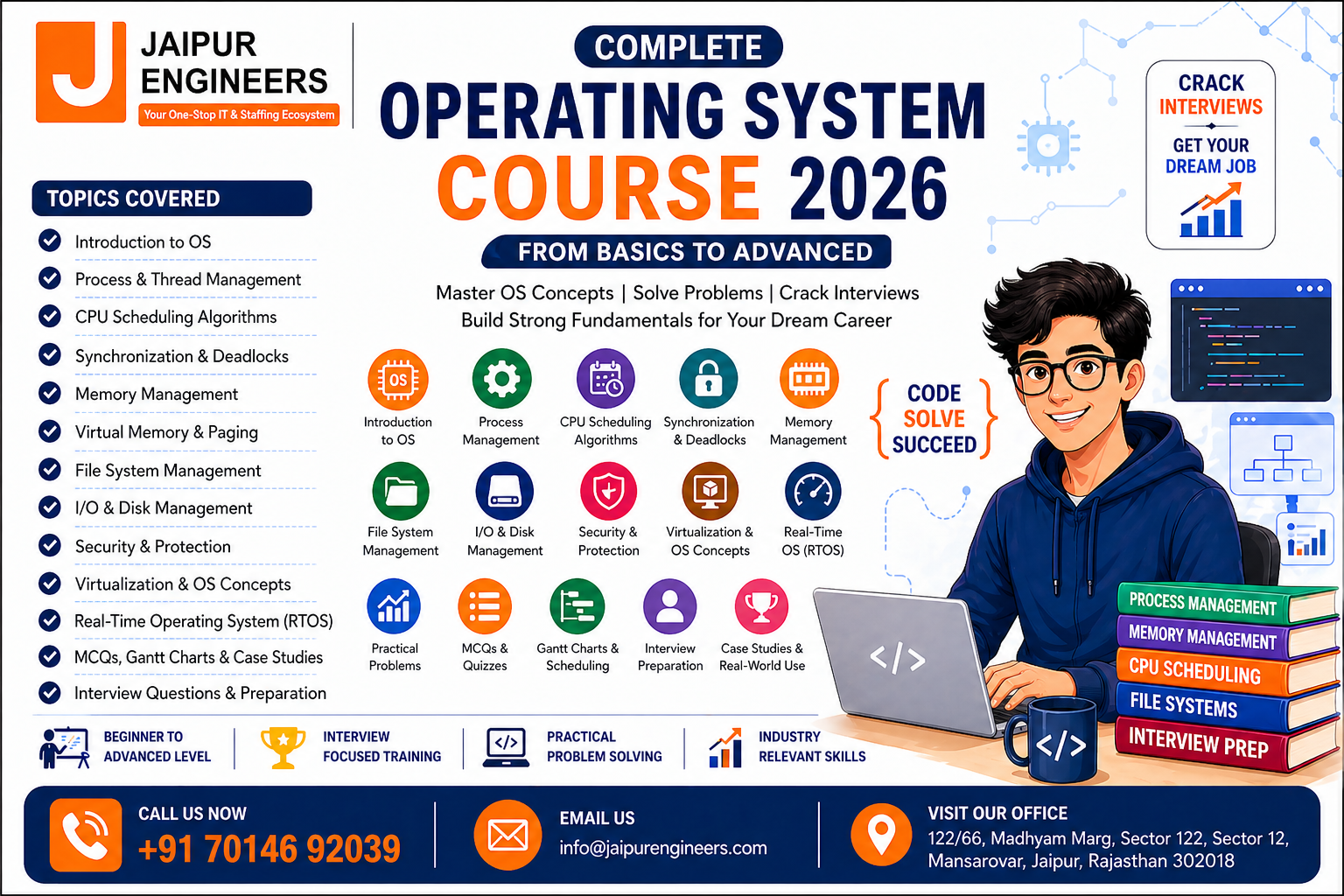
- Introduction to Operating System and its functions
- Process and Thread management
- CPU Scheduling Algorithms (FCFS, SJF, Round Robin, Priority)
- Process Synchronization and Deadlocks
- Memory Management (Paging, Segmentation, Virtual Memory)
- File System Management
- Disk Scheduling and I/O Management
- OS Security and Protection
- Virtual Machines and Distributed Systems
- Real-Time Operating Systems (RTOS)
- Interview Questions, MCQs, and Practical Problems
Course Modules Overview
Module 1: Introduction to Operating System
Learn the basics of OS, types, and functionalities.
Module 2: Process Management
Understand processes, threads, and multitasking.
Module 3: CPU Scheduling Algorithms
Master FCFS, SJF, Round Robin, and Priority Scheduling with examples.
Module 4: Synchronization and Deadlocks
Learn semaphores, mutex, critical section, and deadlock handling.
Module 5: Memory Management
Explore paging, segmentation, virtual memory, and page replacement.
Module 6: File System Management
Understand file allocation, directory structure, and file protection.
Module 7: I/O and Disk Management
Learn disk scheduling, I/O systems, and storage devices.
Module 8: Security and Protection
Understand authentication, authorization, and system security.
Module 9: Advanced OS Concepts
Learn virtualization, containers, distributed systems, and RTOS.
Module 10: Interview Preparation
Practice MCQs, Gantt charts, case studies, and revision strategies.
Why Learn Operating System
- Core subject for computer science students
- Required for software development and system design
- Essential for interviews and placements
- Used in real-world applications and systems
- Builds strong problem-solving skills
Who Should Take This Course
- BCA, MCA, B.Tech, and IT students
- Software developers and engineers
- Data science and AI students
- Beginners preparing for coding interviews
- Anyone interested in system-level programming
Real-World Applications of Operating System
- Web servers and backend systems
- Mobile operating systems
- Cloud computing platforms
- Embedded systems and IoT
- Distributed systems and big data
Systems powered by Linux are widely used in servers and cloud platforms, while Microsoft Windows dominates desktop environments.
Key Features of This OS Course
- Beginner to advanced structured curriculum
- SEO-optimized learning content
- Practical examples and numerical problems
- Interview-focused preparation
- Real-world case studies
- MCQs and revision notes
Internal Link
(To explore more technical courses and tutorials, click here for more free courses)
FAQs
1. What is an operating system?
An operating system is system software that manages hardware and software resources.
2. Why is OS important for interviews?
OS is a core subject and frequently asked in technical interviews.
3. What are the main topics in OS?
Process management, memory management, scheduling, deadlocks, and file systems.
4. Is this OS course suitable for beginners?
Yes, it starts from basics and goes to advanced concepts.
5. How long does it take to learn OS?
With consistent study, you can cover it in 3–6 weeks.
Instructor

Popular Courses