Introduction
Postman tutorial is one of the most searched topics for developers who want to learn API testing. APIs are the backbone of modern applications, and knowing how to test them is an essential skill.
In this guide, we will cover API testing tools and how to use Postman step-by-step for beginners.
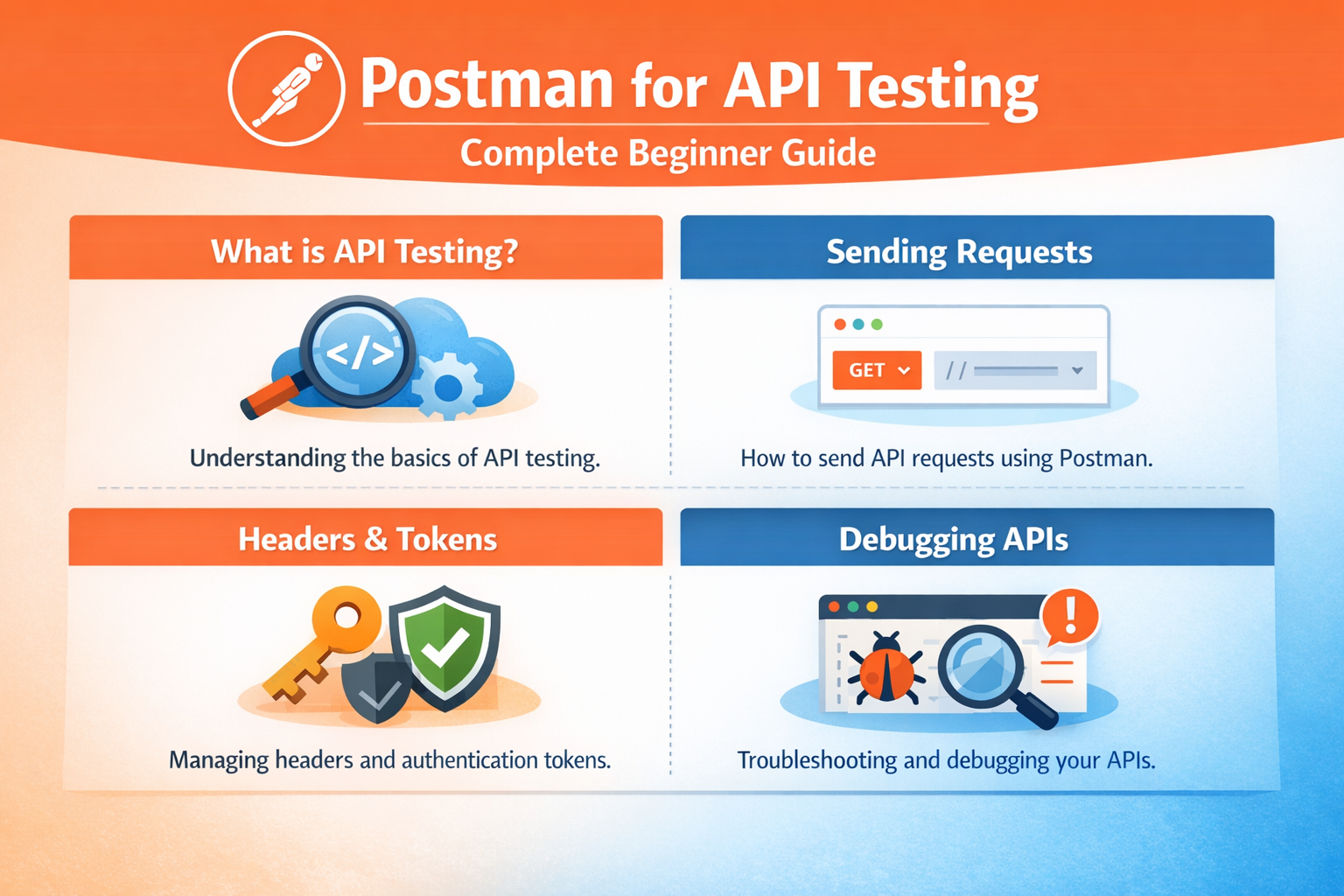
1. What is API Testing
API testing is the process of verifying that an API works correctly.
Why It Matters:
- Ensures data accuracy
- Validates functionality
- Improves application performance
Key Concepts:
- Request and response
- Status codes
- Endpoints
2. Sending Requests
Postman allows you to send different types of API requests.
Common Methods:
- GET (fetch data)
- POST (send data)
- PUT (update data)
- DELETE (remove data)
Steps:
- Enter API URL
- Select method
- Click send
3. Headers & Tokens
Headers and tokens are used for authentication.
Examples:
- Authorization tokens
- Content-Type headers
Tip:
Always check API documentation for required headers.
4. Debugging APIs
Debugging helps identify issues in API responses.
What to Check:
- Status codes
- Response body
- Errors and messages
Tip:
Use Postman console for debugging.
Conclusion
Learning Postman tutorial and API testing tools can improve your development and testing skills. Focus on understanding requests, authentication, and debugging.
Call to Action
Start practicing API testing with Postman today and improve your development workflow.